
From a short drama script to video clips
Plan episodes, connect characters and scenes to storyboard shots, and generate reviewable video clips with flexible story timing.
Last updated: 2026-11-06
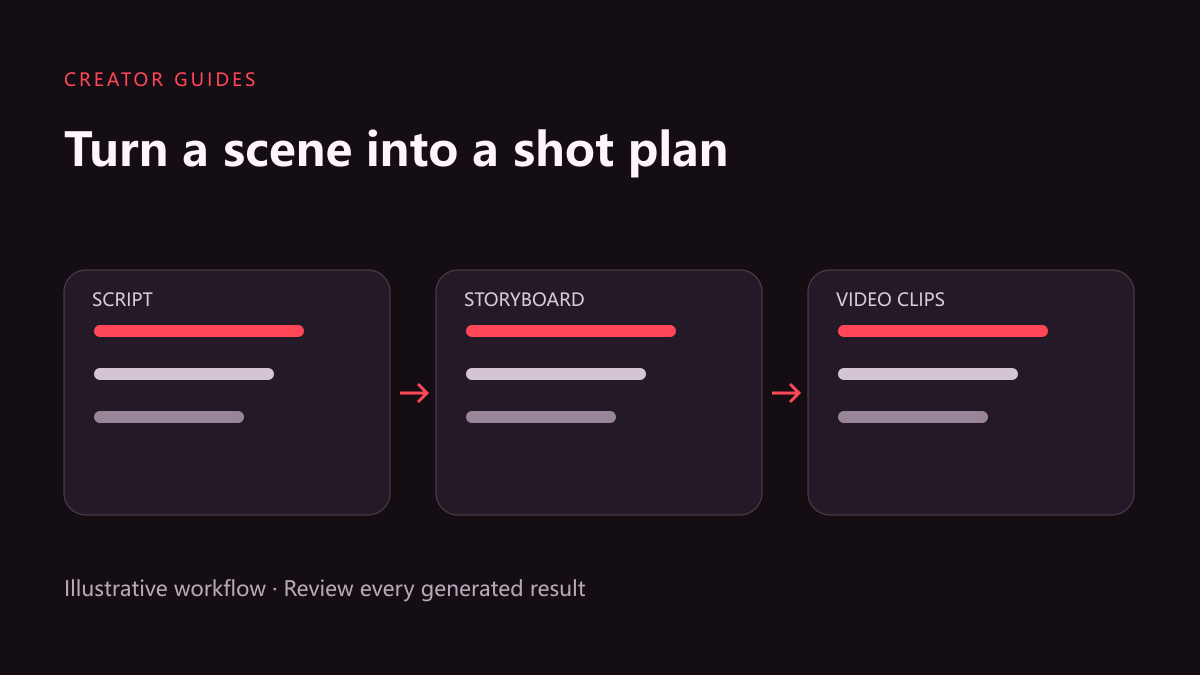
Plan the scene before generating the clip
A storyboard connects the dramatic purpose of a scene with a visual action. Start from a confirmed script, then describe what the viewer sees, which characters appear, where the action happens and what the shot changes in the story.
The workspace supports multiple characters, locations and episodes. There is no creative rule that every story must contain only one protagonist, one location or fifteen seconds of action. Individual generated clips still need to fit the selected model's supported duration and the account's current allowance.
Work through an episode in reviewable steps
- Write a premise and refine the generated script. Clarify the conflict and the ending beat of each episode.
- Confirm the recurring character and scene references.
- Generate a storyboard for the selected episode and review each shot's action, dialogue and duration.
- Split a long shot when its planned duration is outside the selected clip model's supported range.
- Generate a short segment, inspect the result and continue with the next segment.
- Merge the completed segments in storyboard order and review the resulting episode.
For example, a station scene could begin with a courier noticing a parcel, cut to a close view of its label, then show the courier deciding whether to answer a ringing phone. Each shot has a different purpose; a camera movement alone does not explain the dramatic change.
Keep saved jobs when a request is uncertain
A pending or interrupted response does not always mean the provider did no work. Check or recover the same saved task before submitting another generation. Repeated submissions can use more allowance and may incur additional provider costs.
Learn the complete planning method
Read the script-to-storyboard tutorial for an illustrated example. Continue to subtitles and episode export when the clips are ready, or open the workspace.