
Reusable character references for AI video
Build editable character and scene descriptions, reuse reference images across episodes, and review visual continuity shot by shot.
Last updated: 2026-11-06
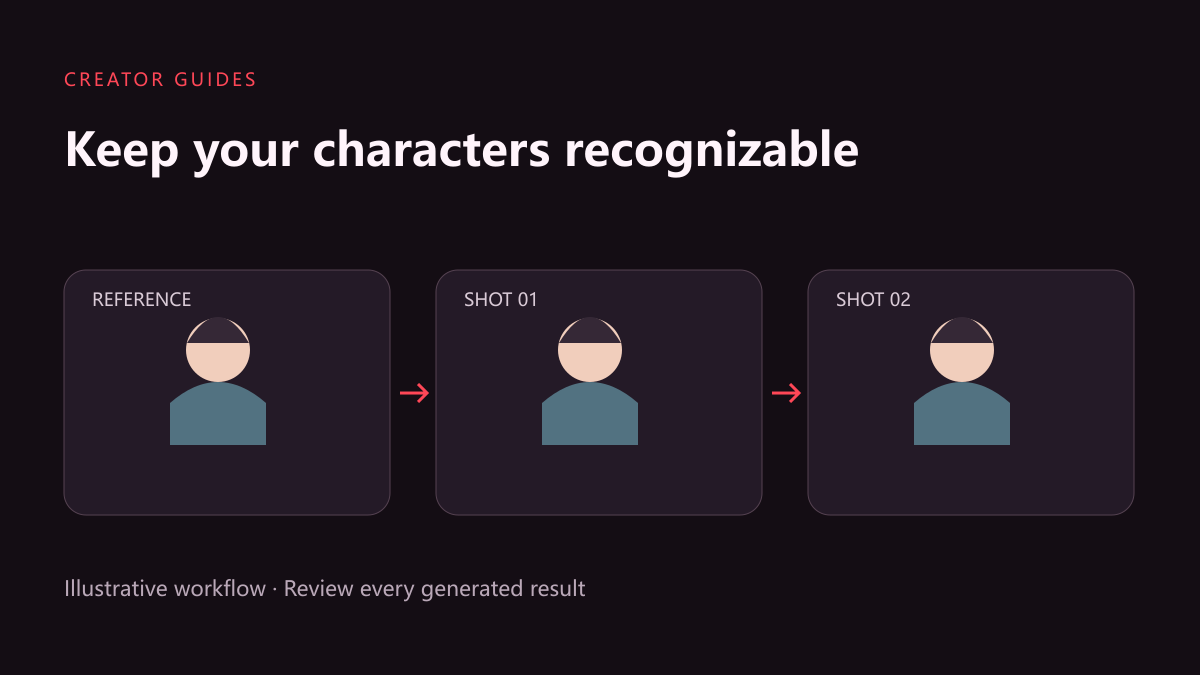
Give recurring characters a reusable starting point
A character can appear in several scenes and episodes. Keep the name, face description, hairstyle, recognizable features and core clothing together, rather than reinventing them in every shot. The workspace lets you edit those descriptions, generate a reference image or upload an image you have permission to use.
A practical reference workflow
- Confirm the episode script and identify the characters and locations that actually appear.
- Review the extracted descriptions. Replace vague phrases such as “an attractive person” with visible details that matter to your story.
- Choose a reference image for each recurring character and scene. Check the face, hair, outfit, lighting and framing before using it.
- Reuse an established reference in later episodes. Add a new reference when a new character enters the story.
- Review each video result against the reference before moving to the next shot.
A simple continuity note might read: “Mara, an adult courier with a short black bob, a small freckle beneath her left eye and a navy jacket.” Keep those identity details separate from changing actions such as entering a room or picking up a parcel.
What a reference can and cannot do
Reference-conditioned generation helps guide a supported video model. It does not guarantee an identical face, outfit, body position or background in every result. Long prompts, conflicting descriptions, several people in one reference or an unclear face can make review harder. Begin with one short clip, inspect it, and revise the description or reference before submitting more clips.
Continue with a hands-on guide
Learn how to keep characters consistent across AI video clips. The guide includes a character sheet, an example prompt and a review checklist.
Explore storyboard-to-video or open the workspace. Creating media requires an eligible account.